Scan. See. Save lives.
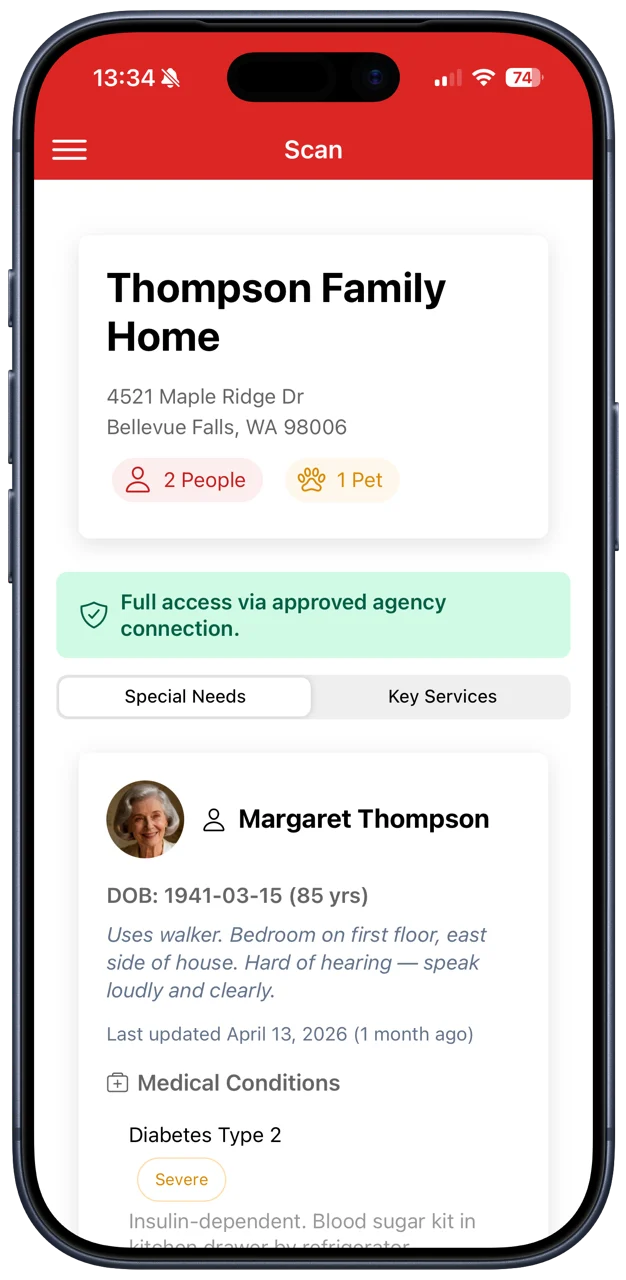
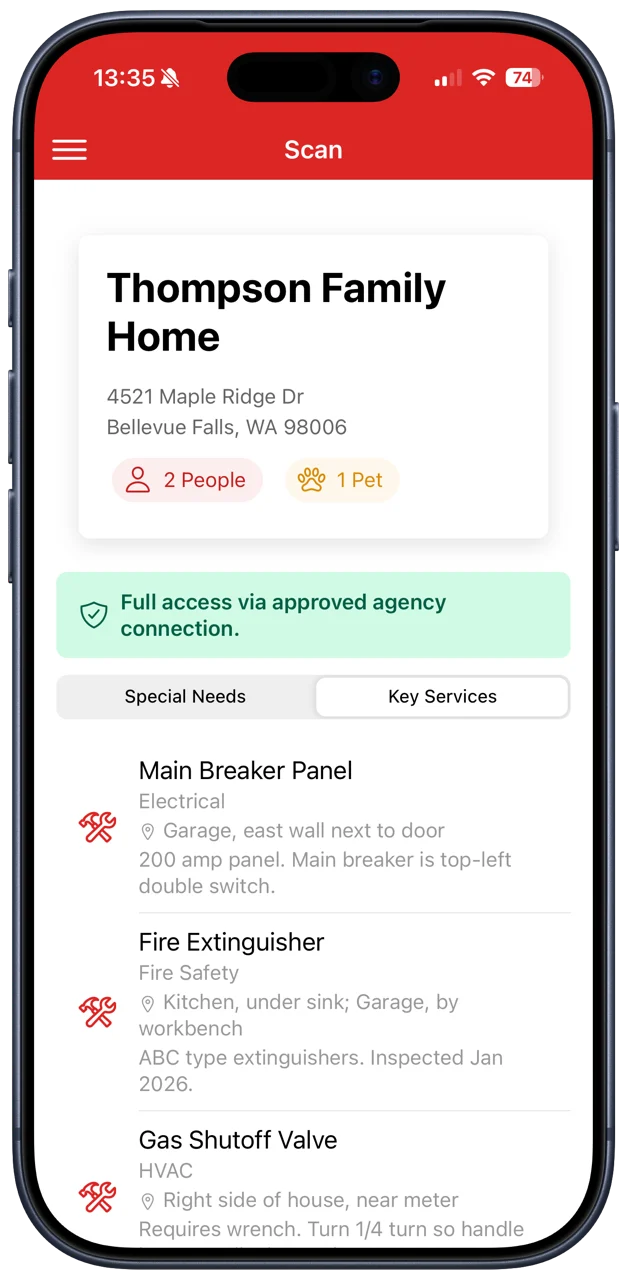
When your crew arrives, scan the Dwell Secure code on the fridge and see medical conditions, prescriptions, emergency contacts and special needs for every resident, in seconds, and only with the household's permission.
From QR code to critical information in seconds.
No searching, no asking, no delays. What your crew needs is one scan away.
- 01
The household places a code
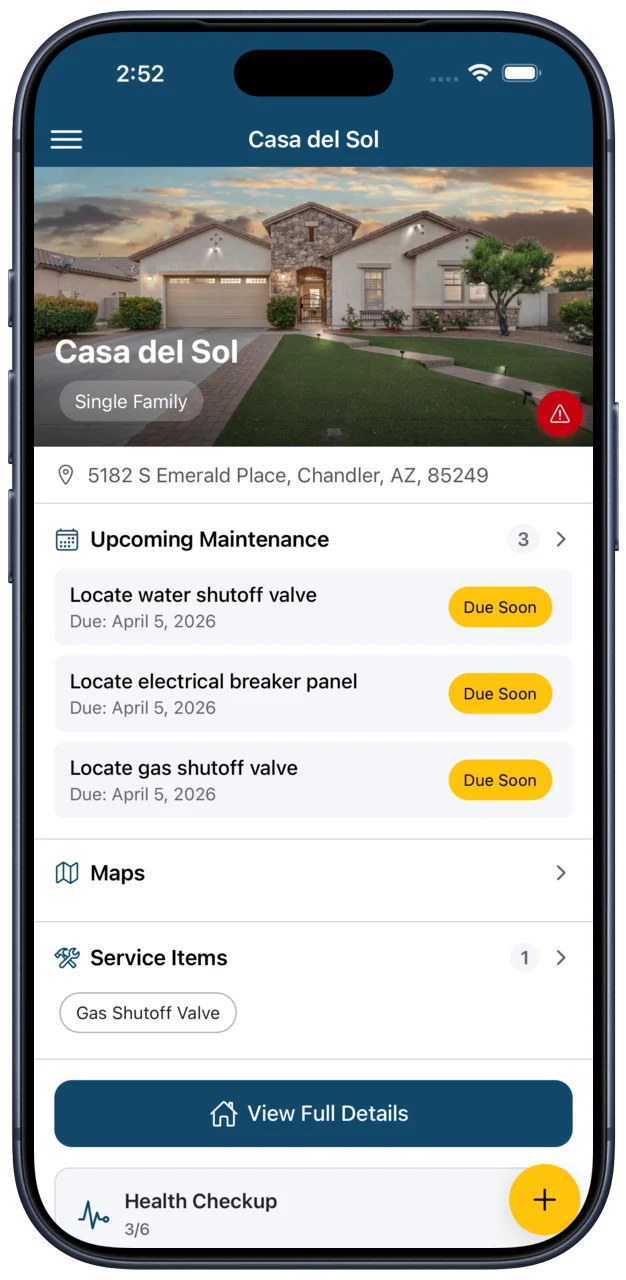
A homeowner generates a QR code in Dwell Secure and puts it on the fridge, the front door or another visible spot.
- 02
The household approves your agency
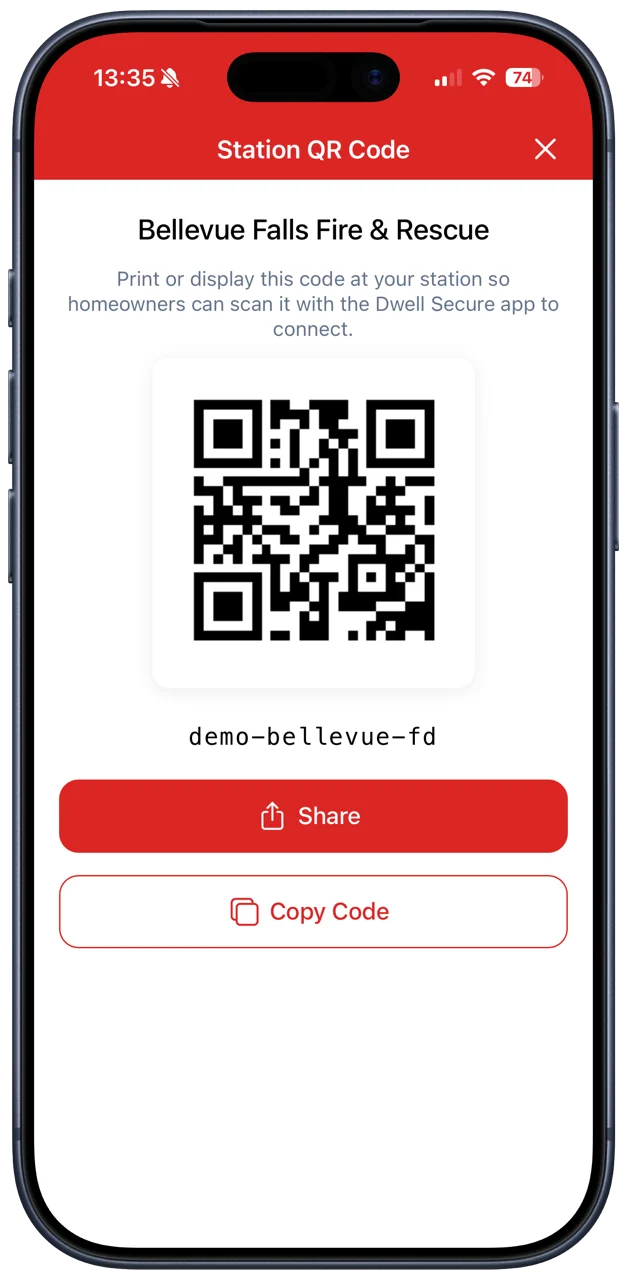
They find your department by ZIP code or by scanning your station's code, and approve the connection.
- 03
Your crew scans on arrival
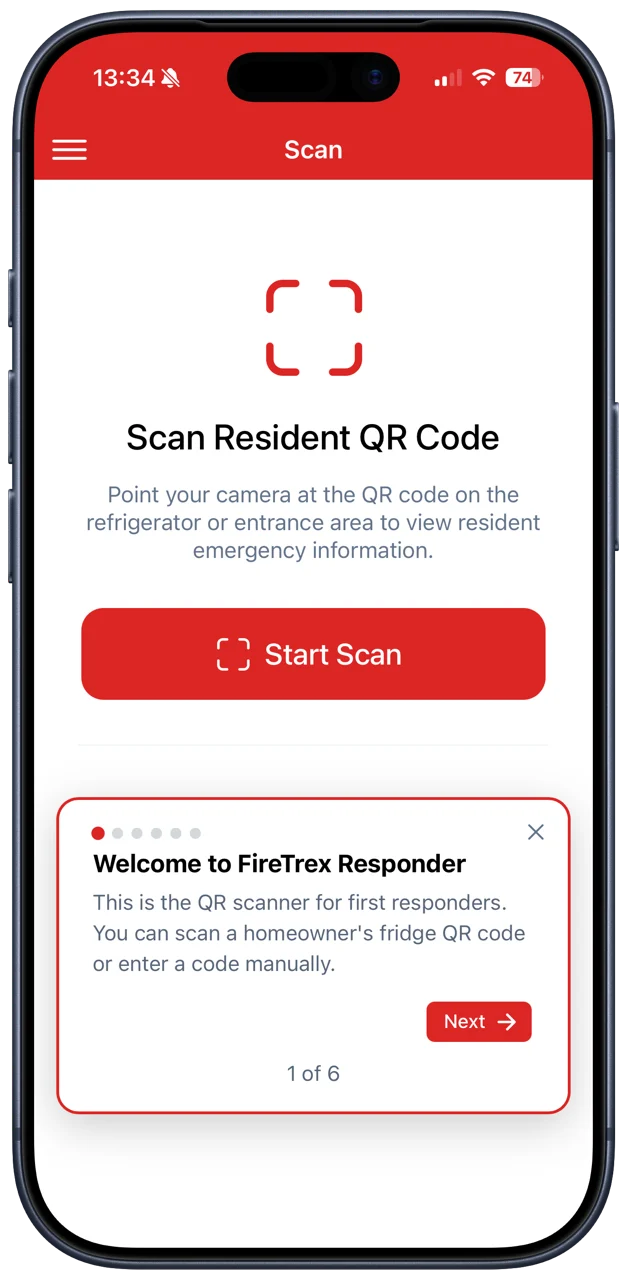
Open FireTrex Responder, tap scan and point at the code. Resident details appear in about three seconds.
- 04
Nothing stays on the device
Information is shown live and never saved to the phone. Clear it with one tap. Every access is logged.
The screens your crew will see.
Fast, private and made for shift.
One-tap scan
Open the app, tap scan, point at the code. Unknown codes are rejected on the spot.
Two access tiers
Basic access shows names and counts. An approved agency connection unlocks medical details, prescriptions and contacts.
Tap-to-call contacts
Emergency contacts show their numbers, ready to call, with the primary contact highlighted.
Nothing stored
Resident information is displayed in real time and never saved to the device.
Team management
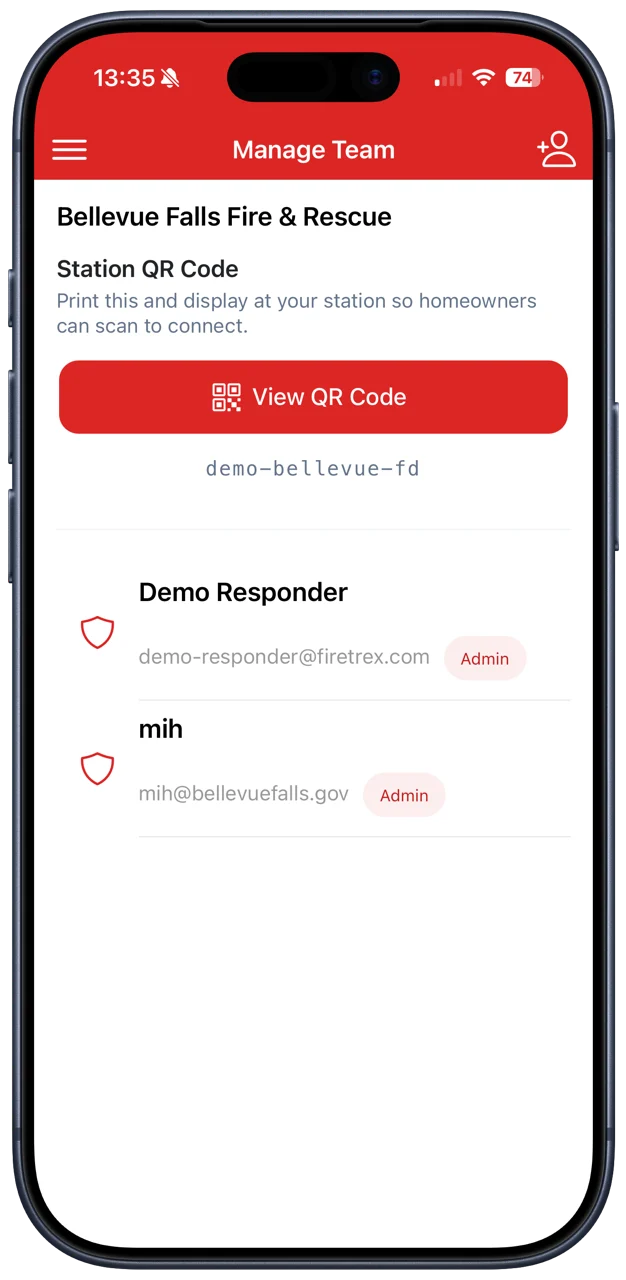
Agency admins add and remove responders from the Manage Team screen. No IT department required.
Two-factor security
TOTP two-factor authentication, light and dark themes, and the security your department expects.
Three roles. One connected system.
Creates your agency in the system, assigns your first agency admin and gives you a unique join code.
Usually a captain or IT lead. Adds crew members to the team in FireTrex Responder and manages who has access.
Searches for your agency by ZIP code or scans your station's code, approves the connection and places the QR code.
Connect your department.
Get your fire department or EMS agency set up. We'll have your crews scanning in no time.
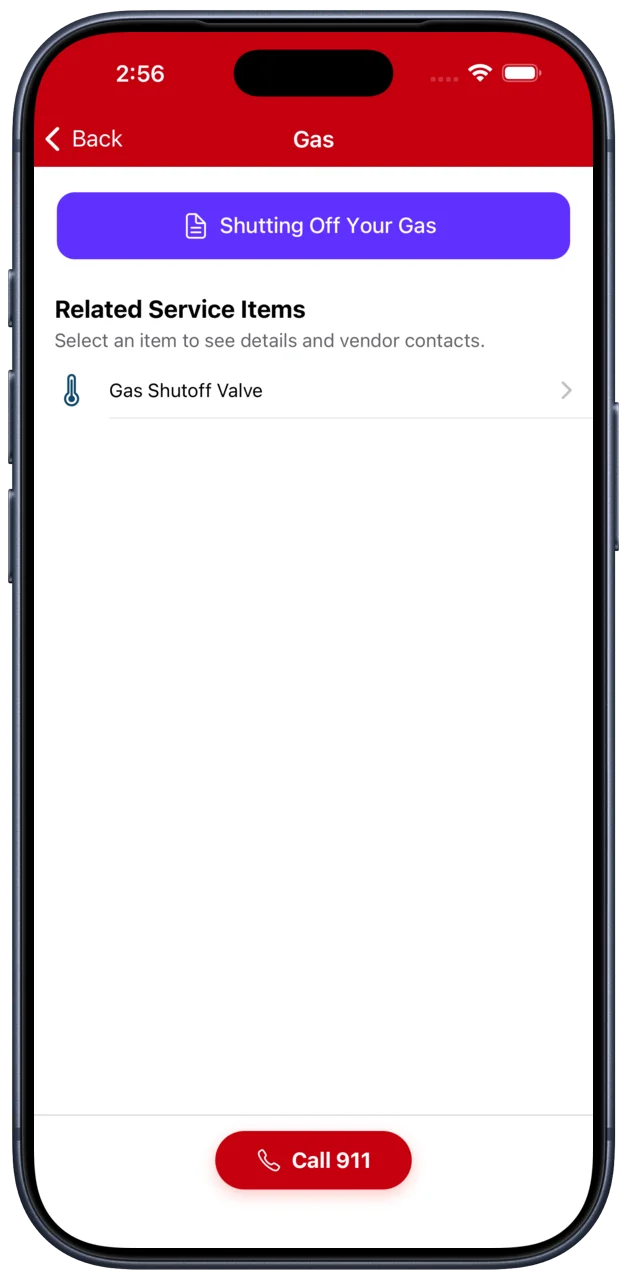
Find your shutoffs before you need them.
Dwell Secure is free to download. Set up your first home in an afternoon, and give everyone who lives there the same peace of mind.